Your business online, explained
The pieces every local business needs, in plain words. About 10 minutes to read.
Watch: 2-minute walk-through
The big picture
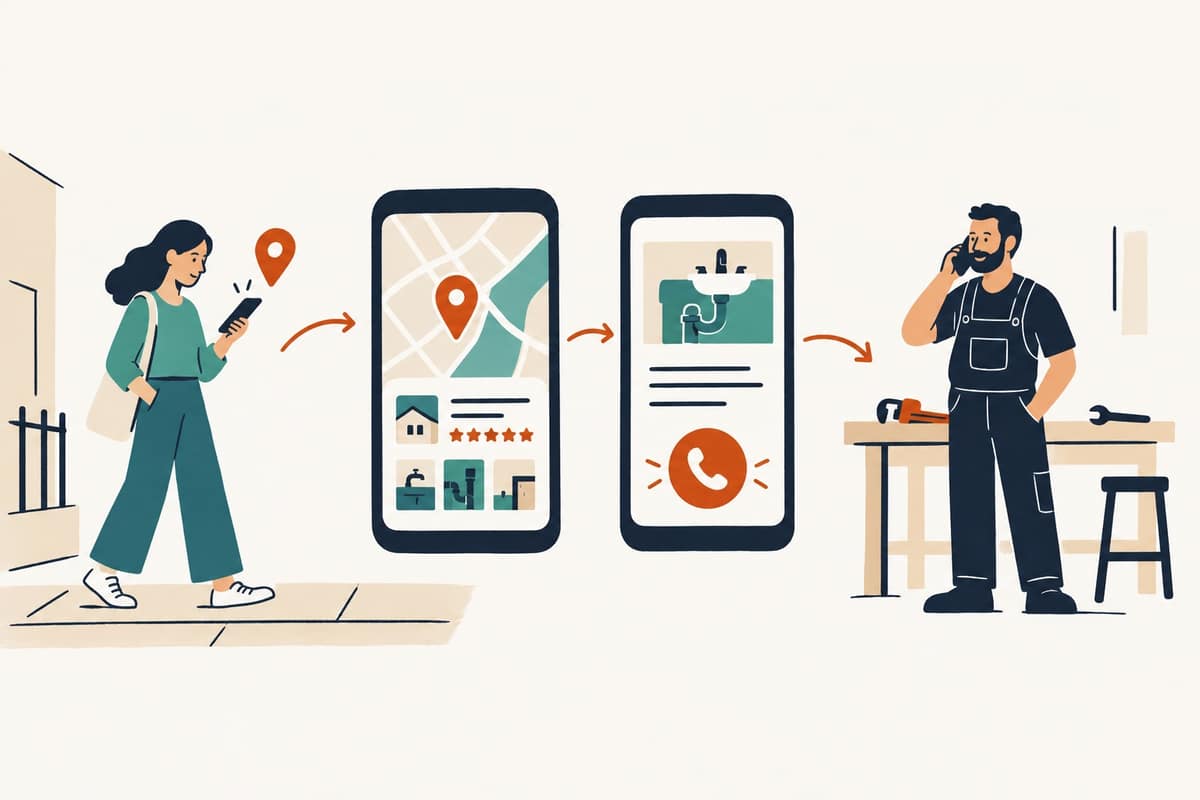
A customer needs a plumber, a haircut or a cake. Most of them pull out a phone and search Google or Google Maps. They see a few businesses near them, and they tap one. That opens its Google listing, with its stars, its hours and photos. From there they call, get directions, or tap through to its website to look closer. The website is where they decide, and then they call.
Being online comes down to three pieces that work together: a web address, hosting (where your site lives), and your Google Business Profile. The next chapters explain each one.
You don't need to buy your own domain to start. A subdomain, like yourbusiness.is-nearby.com, is actually easier: there's nothing to buy, renew or look after. That's why IsNearby gives you one by default. A domain of your own, like yourbusiness.com, is a nice extra you can add any time.
Your domain name
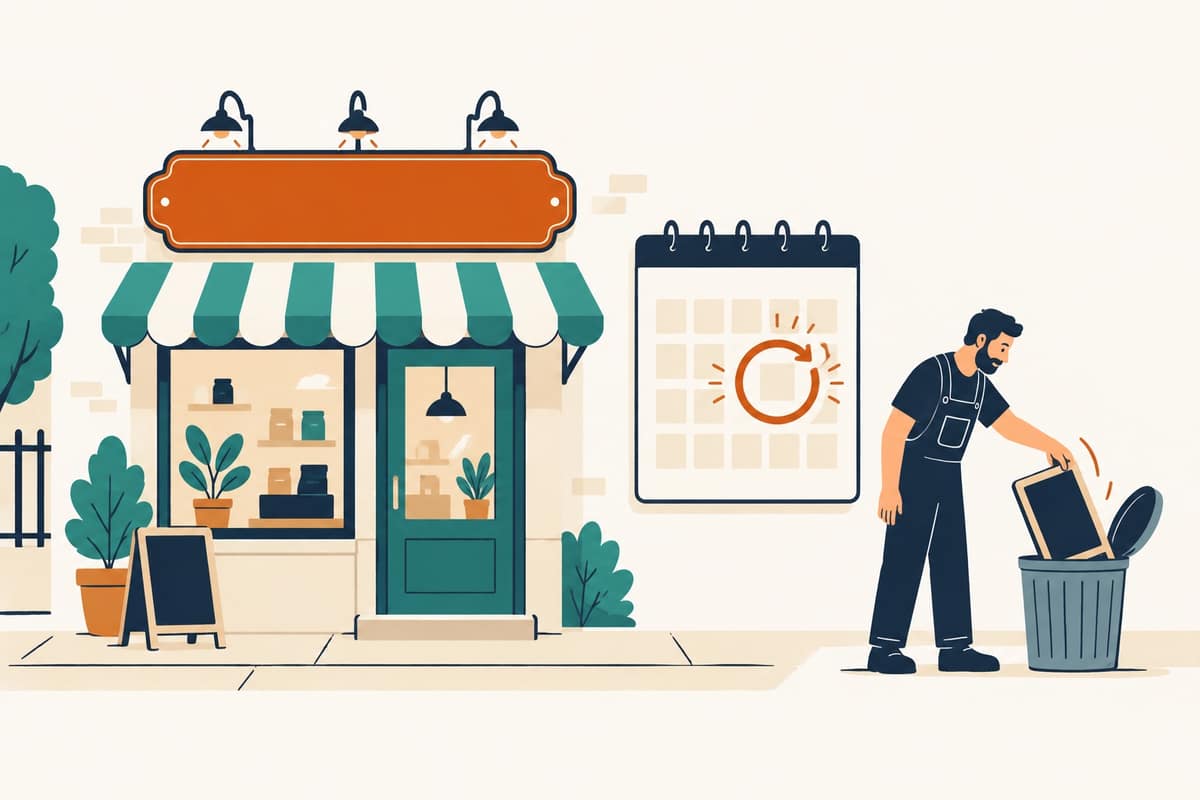
Your domain name is your address online, like yourbusiness.com. People type it, print it on trucks and cards, and use it for email. The last part is the ending. .com is the one people trust and guess first. .net, .co and .us also work, but customers may type .com by habit and land somewhere else.
You never buy a domain for good: you rent it, a year at a time, and you can renew it for as long as you want. If you forget to renew, it stops working. After a short grace period it can cost extra to get back, and then anyone can buy it, including a competitor.
The registrar: who rents you the name
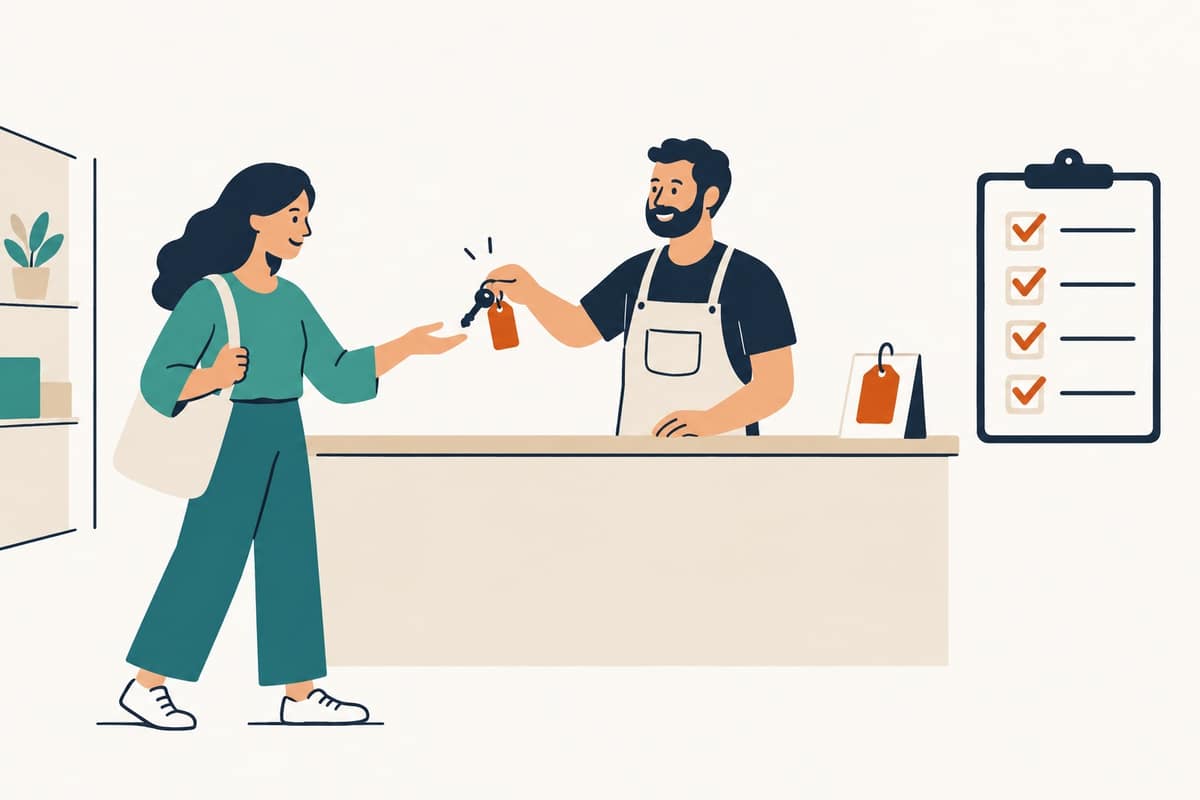
If you do want your own domain, you rent it from a company called a registrar: the shop where domain names are sold, a year at a time.
Well-known registrars include GoDaddy, Namecheap, Squarespace Domains (which took over Google Domains), Cloudflare and Porkbun. Whichever you pick: put your own name and email on the domain, not a web designer's. Turn on auto-renew and the transfer lock. Watch the renewal price, which can be higher than the first year's, and skip upsells you don't need.
Hosting: where your site lives
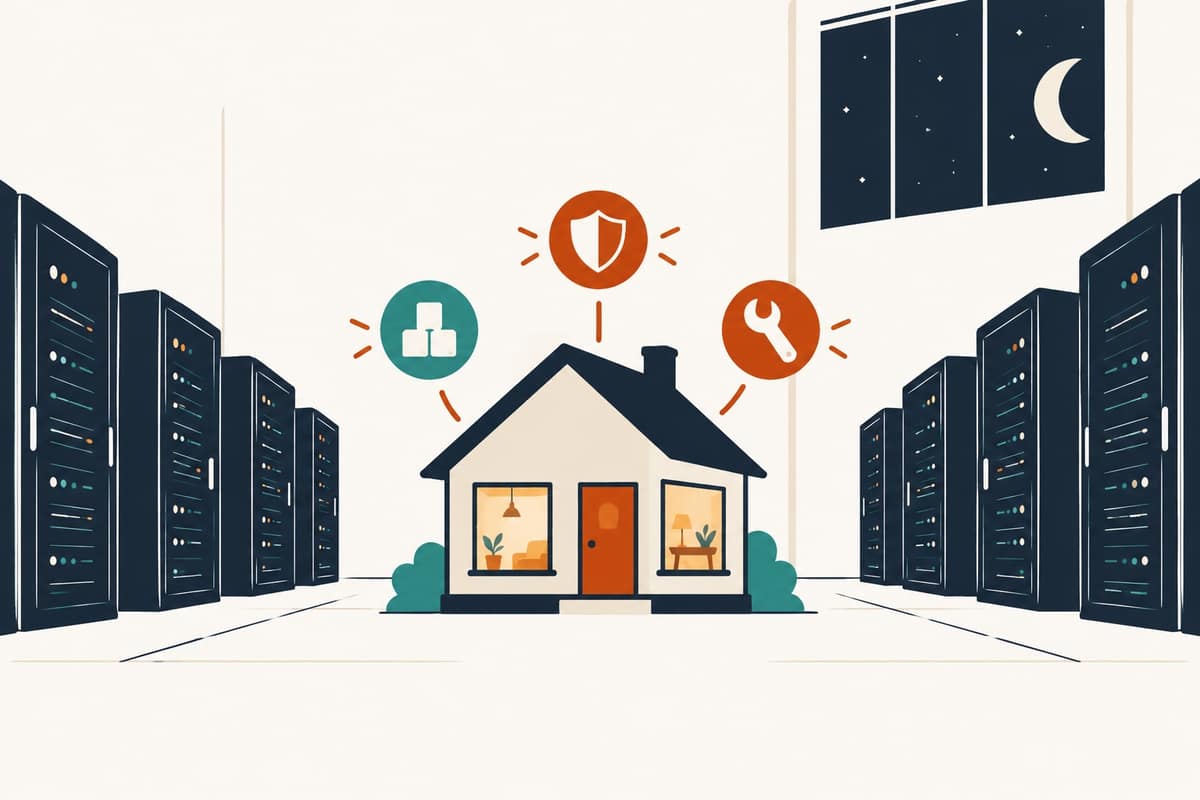
Your website is a set of files that has to sit on a computer that is always on and always online, so anyone can open it at 2 a.m. That is hosting. It costs money because those computers run day and night, and someone keeps them secure, backed up and up to date.
There are three common kinds. Website builders (like Wix or Squarespace) give you hosting and design tools in one monthly plan, and you do the building. Shared hosting is cheap space on a computer you share with many sites, and you or a web person set everything up. Done-for-you services build the site and look after it for a monthly fee.
What a good small-business website offers
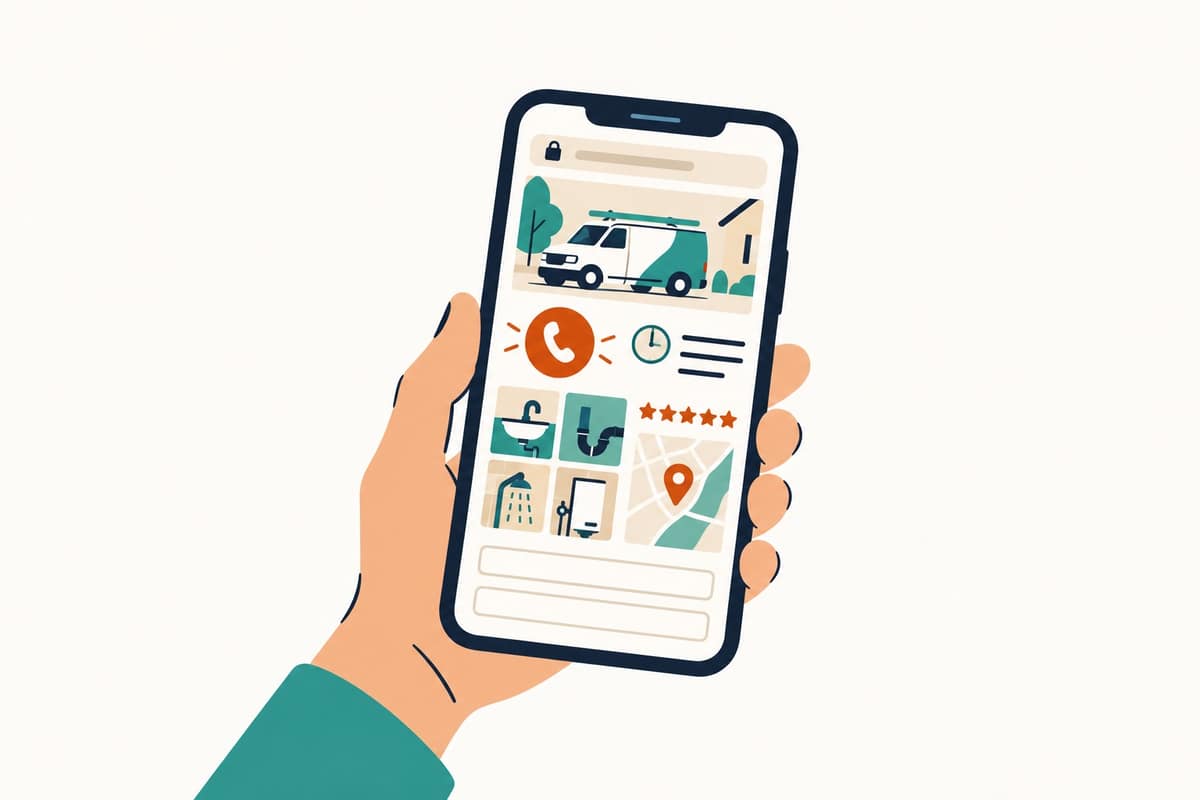
A good site for a local business is simple and quick. On a phone, the Call button is always one tap away. Near the top it says what you do and where, then your hours, your services, and real photos of your work. Reviews from customers build trust. A map shows where you are, or the towns you serve, and a short contact form catches people who'd rather write.
It should be built for phones first, since most visitors arrive on one, and it should load fast, even on a weak signal. Look for the padlock next to the address in the browser: it means the connection is secure.
Being found: SEO and AI assistants
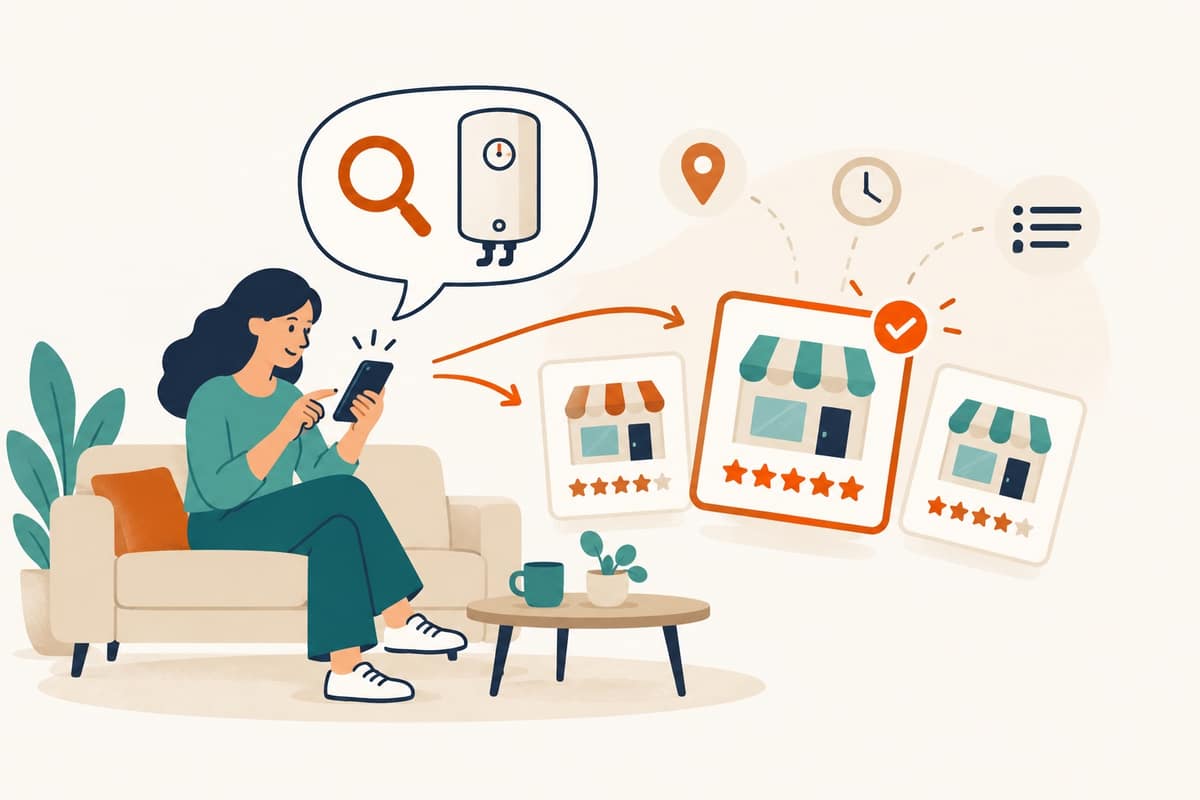
People search Google for "plumber near me", and more and more of them just ask Siri, ChatGPT or Gemini instead. Those tools don't guess: they read websites and Google listings, and suggest the businesses whose facts they can find and trust.
Helping Google find and rank your business is called SEO (search engine optimization). Helping AI assistants understand and recommend it is the newer side of the same job. For a local business, the same things help both:
- Clear facts, the same everywhere: name, phone, area, hours and services, on your site and your Google listing.
- Facts machines can read: the same details in a standard format that Google and AI assistants read directly, called structured data. Many small-business sites don't have it.
- A page for each town you serve, so "handyman Louisville" finds a page about Louisville.
- A fast site that works on phones, and your Google profile with reviews (next chapter).
Nobody can promise the top spot. Anyone who guarantees "#1 on Google" is selling something you don't need. What you can do is make your business easy to find and easy to trust.
Your Google Business Profile
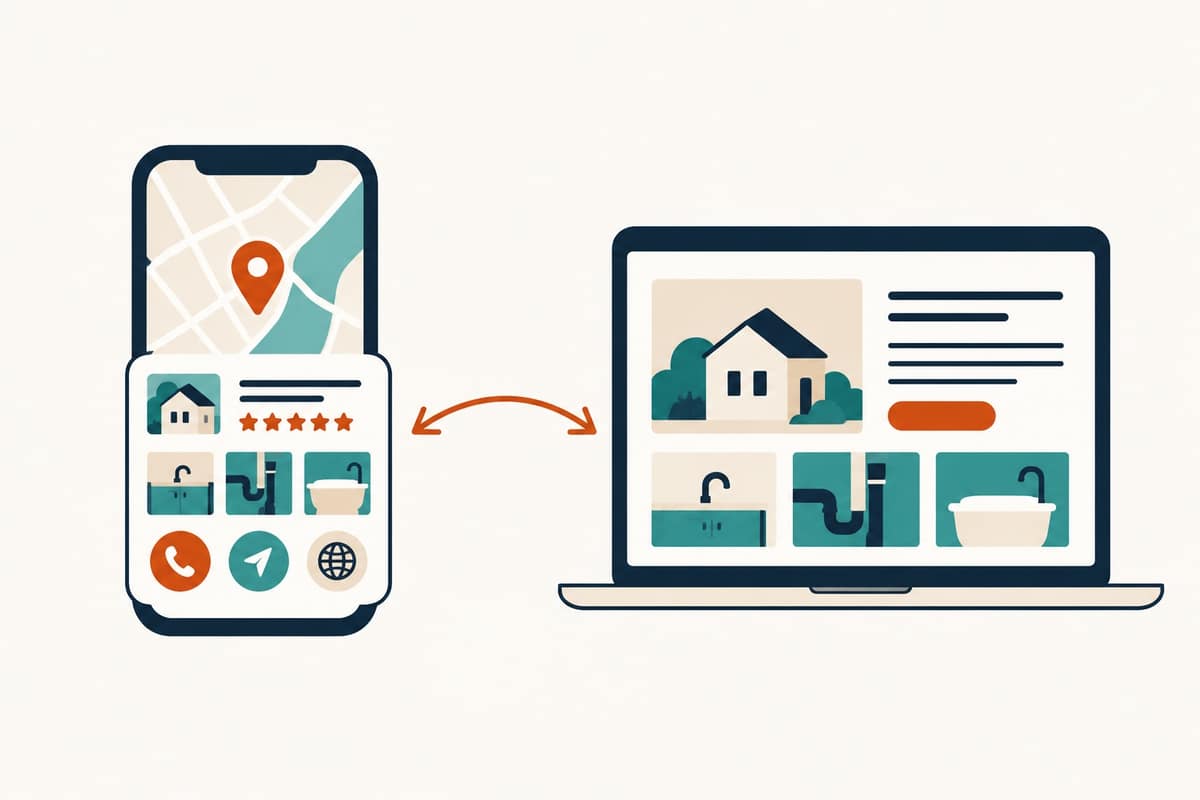
Your Google Business Profile is the listing that shows up in Google Maps and in search, with your name, stars, hours, photos and the Call and Directions buttons. It is free, and for a local business it is often the most important piece of all.
Google asks you to verify that you run the business, for example by video, phone, email or postcard, depending on your business. Keep your hours and photos current, and ask your customers for reviews, then reply to them. Link the profile to your website, and your website back to it, so Google and customers see they belong together.
Email at your own name (optional)

A Gmail address works, and many good businesses use one. An address at your own domain, like you@yourbusiness.com, looks more established and stays yours if you ever change email providers. It needs an email service on top of your domain.
Expect roughly $6 to $10 a month per person with the big providers (like Google Workspace or Microsoft 365), and sometimes less with smaller ones. If you set it up, the settings that send your email to the provider live with your domain, so keep that login safe.
What it costs, scams to avoid, and key terms

What it costs in a year (rough ranges)
| Piece | Rough cost |
|---|---|
| Domain name (.com, .net, .us, etc.) | About $10 to $25 a year; the first year is often cheaper, so watch the renewal price |
| Hosting, or a website builder plan | A few dollars a month for basic hosting, about $15 to $25 for a website builder plan, more when it's done for you |
| Google Business Profile | Free |
| Email at your own name (optional) | About $6 to $10 a month per person |
Scams to avoid
- Fake renewal letters. A letter or email that looks like a bill to "renew your domain", sent by a company you've never used, often at a high price. Renew only through the registrar you chose.
- "Your Google listing will be removed" robocalls. Google says it doesn't place robocalls. Hang up. Your Business Profile is free, and you manage it yourself.
- "We'll get you to #1 on Google, guaranteed." Nobody can promise a top spot.
Key terms, in plain English
- Domain name
- your address online, like yourbusiness.com.
- Ending (TLD)
- the last part of a domain: .com, .net, .co, .us. TLD stands for top-level domain.
- Registrar
- the company you rent your domain from.
- Hosting
- the always-on computer where your website lives.
- HTTPS / padlock
- a secure connection between the visitor's phone and your site.
- Google Business Profile
- your free listing on Google Maps and in search.
- Auto-renew
- your registrar renews the domain every year without you having to remember.
- Transfer lock
- a setting that stops anyone moving your domain to another registrar without your OK.
Want to see your business online?
I'll build a free demo from what your business already shares, in English and Spanish. No card needed, and nothing goes live without your OK.
Get my free demo