Set up your Google Business Profile, step by step
It's free. What to have ready, the steps, Google's check that you run the business, and how to keep it current, all from Google's own help pages.
Why it matters
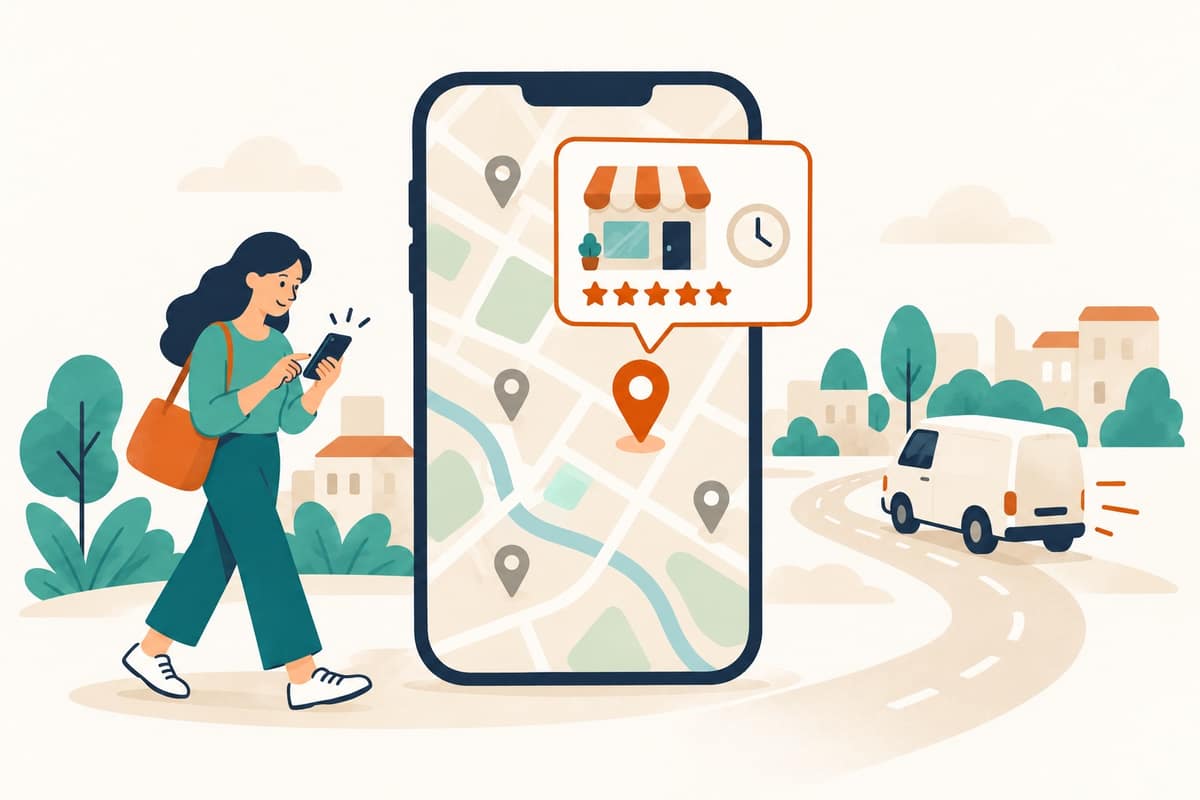
Your Google Business Profile is the free listing that shows your business on Google Search and Google Maps, with your name, stars, hours, photos and the Call and Directions buttons.
On it you share your hours and contact details, add photos, and reply to your customers' reviews. Creating it or claiming it is free.
Google shows local results mainly by relevance (does your profile match what someone searched for?), distance, and how well known your business is, for example from its reviews and the websites that link to it. Google says complete, accurate details help, and that no one can pay Google for a better spot.
What to have ready
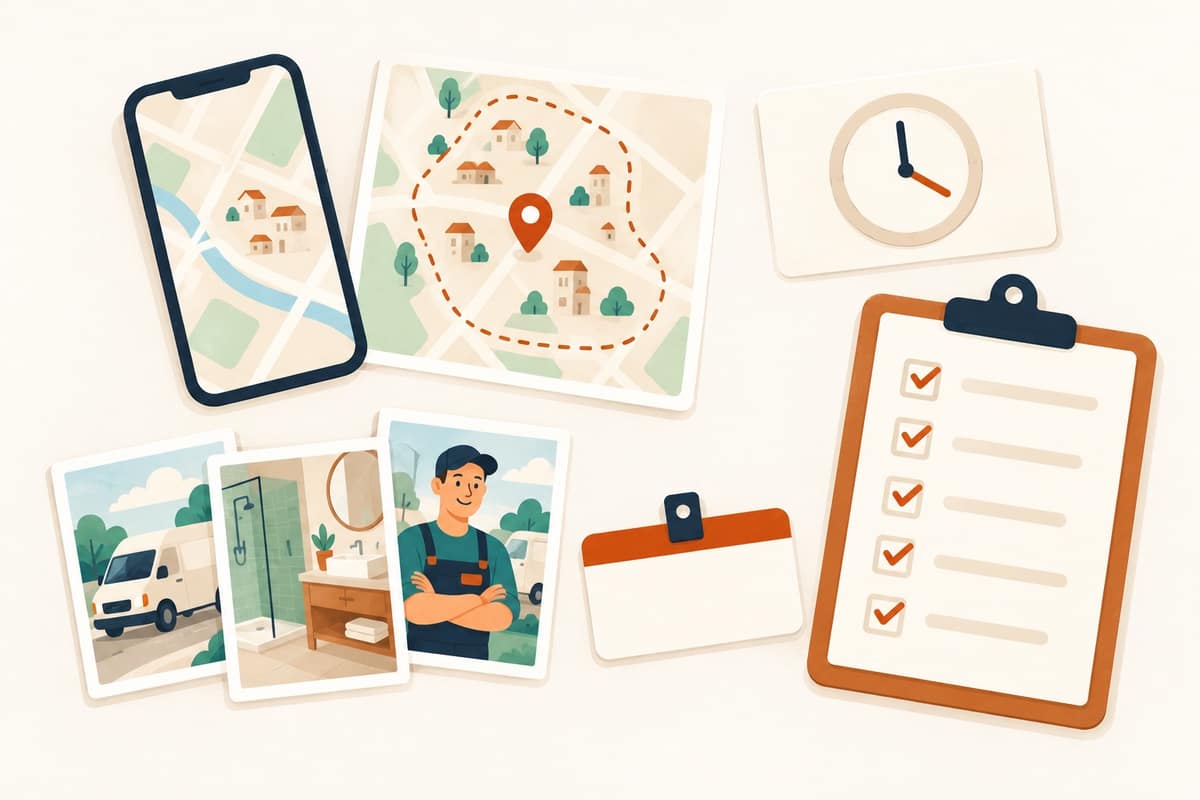
Gather these before you start:
- A Google account. You sign in with it to manage your profile.
- Your business's real name, exactly as customers see it on your sign, van or cards. Don't add services, towns or slogans: Google can suspend a profile for that.
- Where you work. If customers come to you, your address. If you go to them, hide your address and list the areas you serve instead: up to 20 towns or ZIP codes, within about 2 hours' drive of your base. A P.O. box or a virtual office isn't allowed.
- A phone number and a website that belong to your business. A local number is best.
- Your opening hours.
- Categories: one main category that says what your business is (for example, Plumber), plus up to 9 more. Fewer, more specific ones are better.
- A short description, up to 750 characters, with no links or prices.
- A few real photos of your work, your van or your team: JPG or PNG, between 10 KB and 5 MB, ideally 720 × 720 pixels, in focus and well lit.
Create or claim your profile
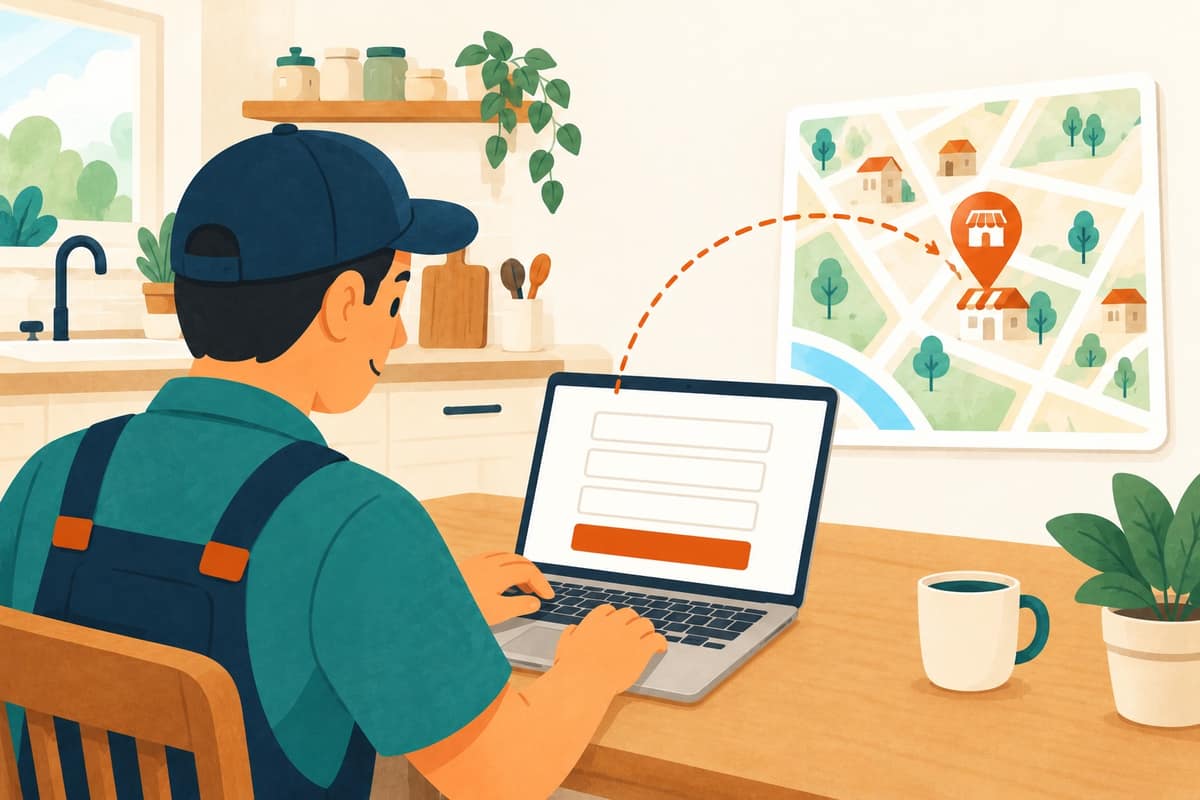
Your business may already be on Google Maps. Search for its name in Google Maps first.
- It's there: open it, tap Claim this business, then Manage now, and follow the steps.
- It's not there: go to business.google.com/add and follow the steps to add your business, with your list from step 2 at hand.
- Someone else manages it: ask for access from the same page. They have 3 days to answer. If they don't, you may be able to claim it yourself.
Then Google asks you to verify the business: the next step.
Prove it's your business
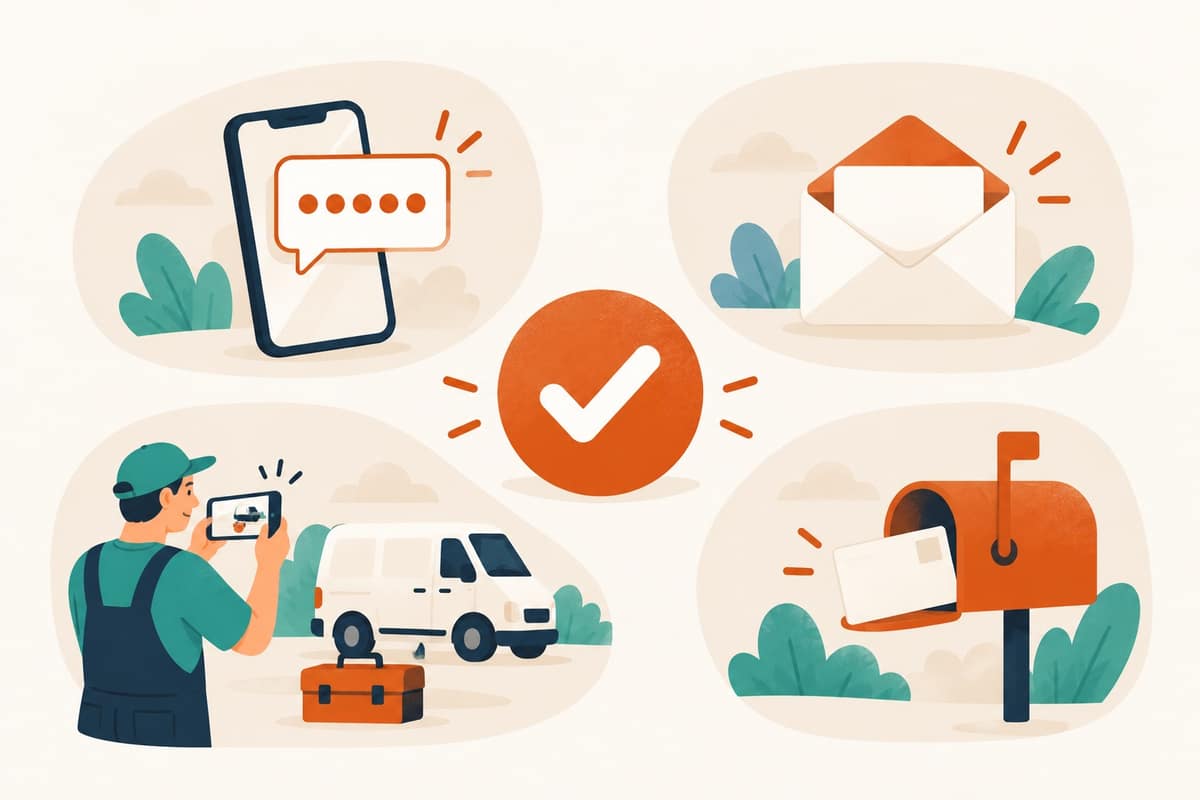
Google checks that you really run the business. This is called verification, and you need it to manage your profile and reply to reviews.
Google picks the method for you, depending on your type of business and where you are, and you can't change it. It may be:
- a code by phone or text message
- a code by email
- a short video you record
- a live video call with Google, during your business hours
- a code on a postcard, by mail
Google's review can take up to 5 business days. A postcard usually arrives within 14 days, and its code works for 30 days.
If Google asks for a video: record one take on your phone, at least 30 seconds, with no edits. Show where you are (a street sign or landmark near your address), the tools, equipment or products you work with, and proof that you run the business, such as you at work, a permit or an invoice. Hide ID, tax and bank numbers, and other people's faces.
While you wait, don't change your name, address or category, and don't ask for a new postcard: a new code cancels the first one. Never share your code with anyone.
Keep it up to date
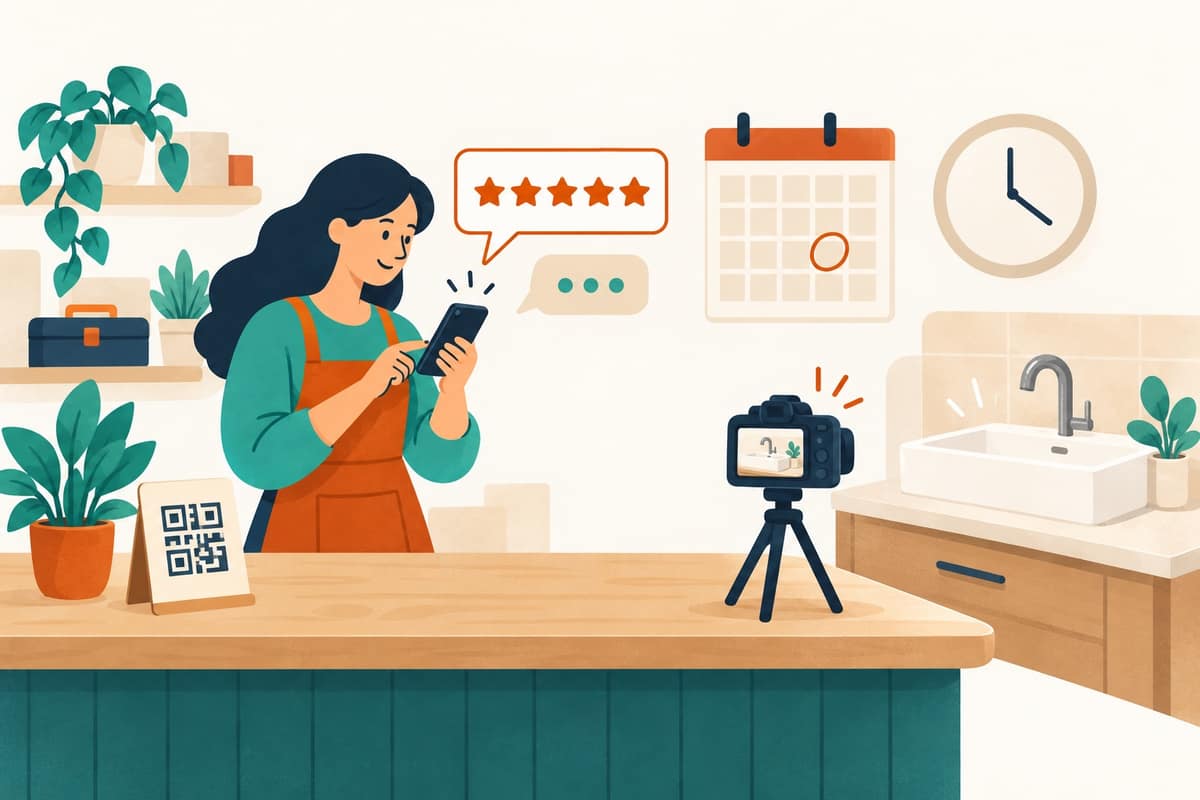
- Hours: keep them right. For a holiday or a few days off, set special hours. Closed for a week or more? Mark the business temporarily closed.
- Reviews: in your profile, choose Read reviews, then Get more reviews, to copy your review link (on a computer you can also get a QR code), and send it to your customers. Ask all of them, not only the happy ones. Google doesn't allow asking only for good reviews, or giving a discount or a gift for one.
- Replies: answer reviews, good and bad. Keep it short and polite, with no ads and no customer's private details. If a review breaks Google's rules, you can flag it.
- Photos: add photos of your real work, in focus, well lit and without heavy filters.
- Posts (optional): share an update, an offer or an event from your profile.
- Your website: put its full address on your profile (starting with https://), and link to your profile from your site, so the two point to each other.
Don't want to do it yourself?
I claim or create your Google Business Profile and fill it in: your name, hours, services, the towns you serve, a description and photos. I link it to your IsNearby site, and give you a review link and a QR card to hand to customers.
Included Part of the setup, for everyone.
See the offer